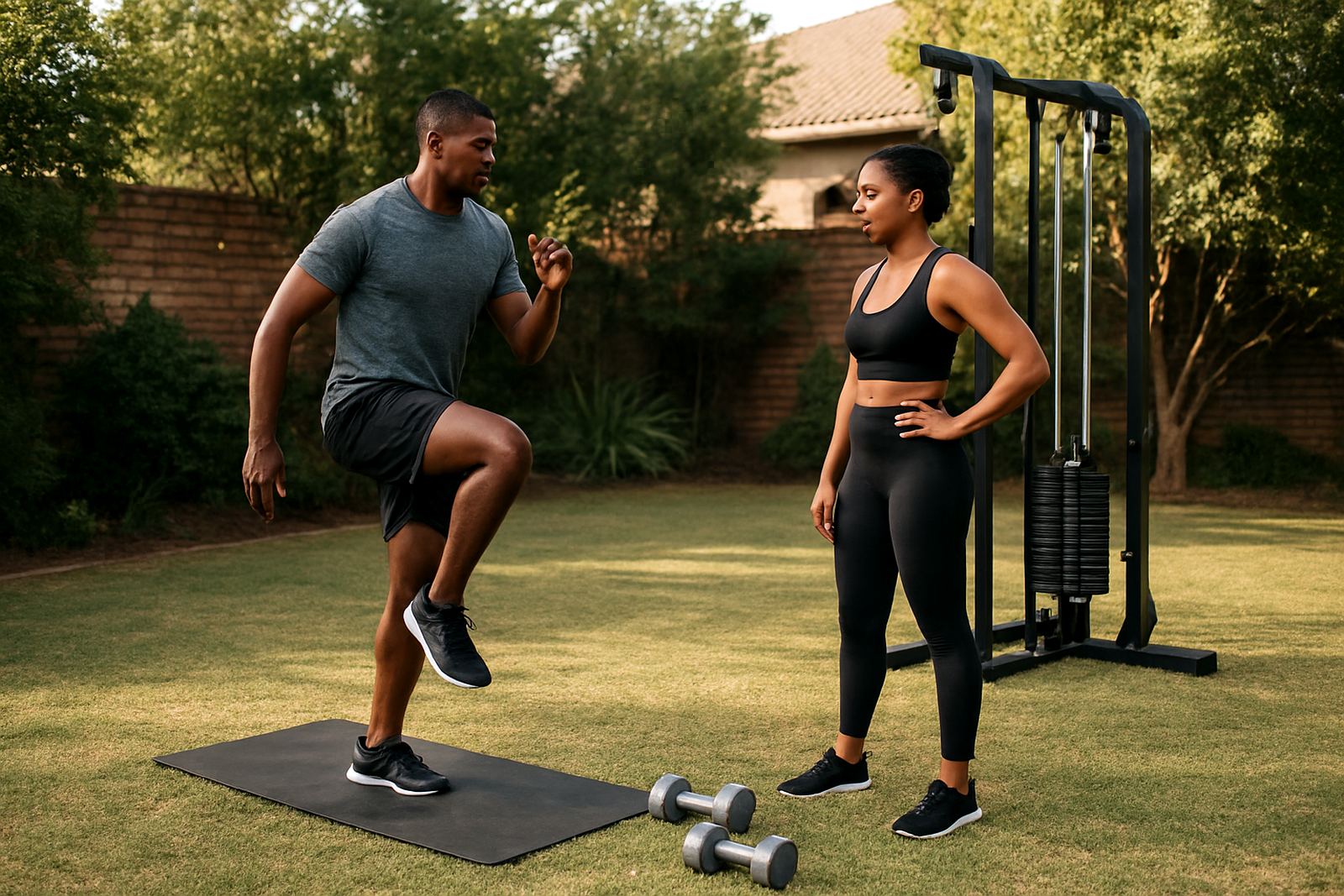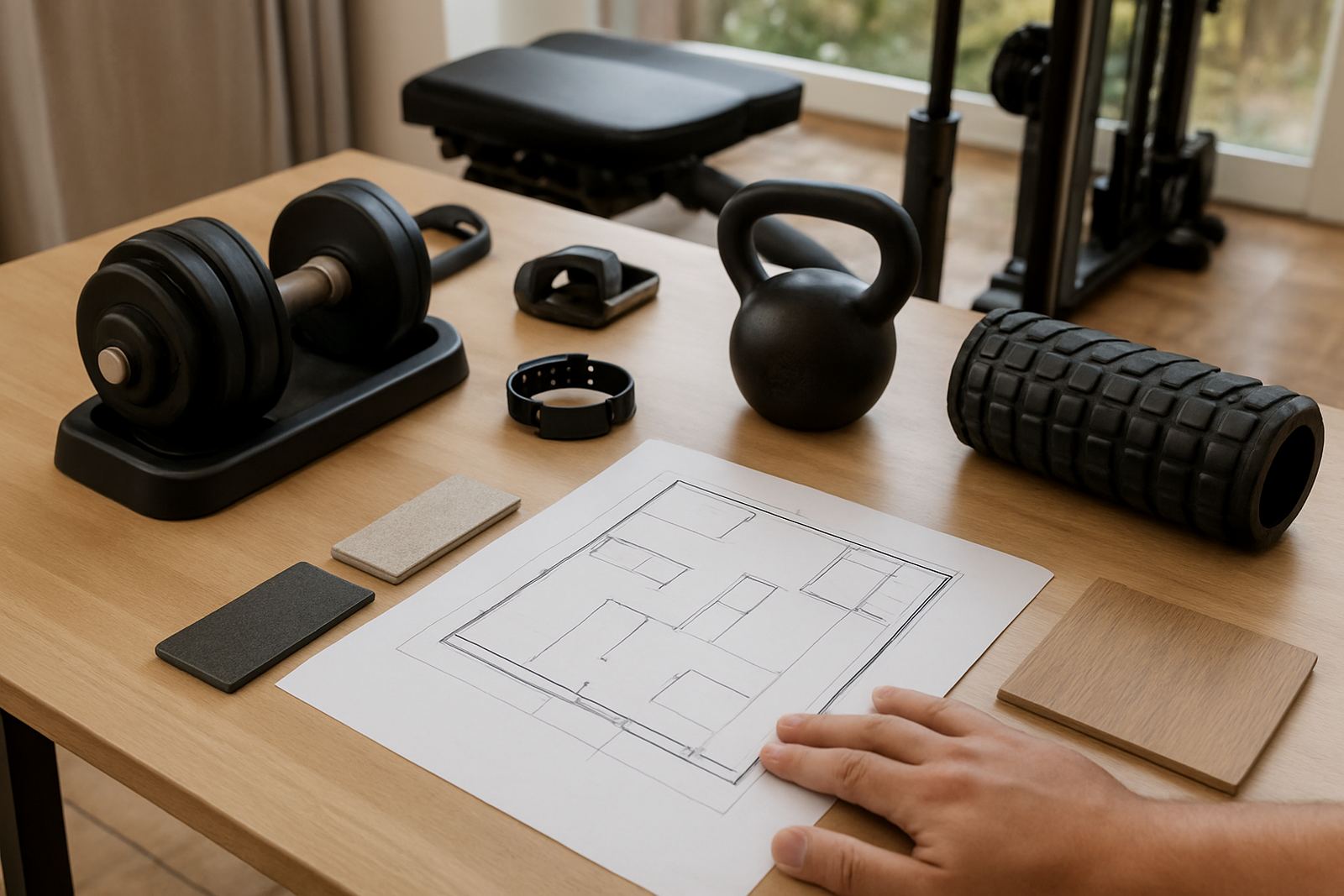

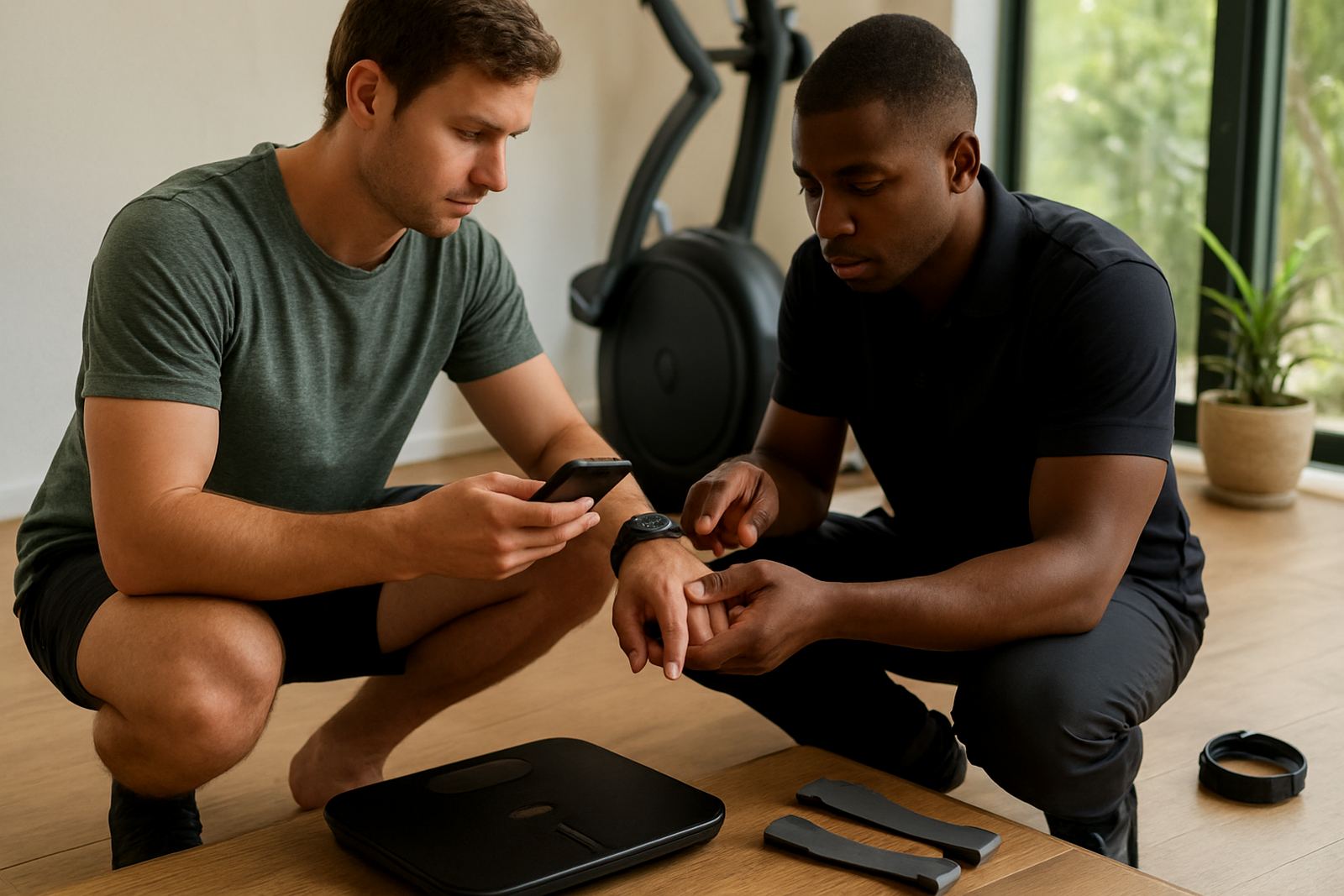
Pairing, accounts and first-time device setup
We start by getting your tracker connected to your phone, tablet or home training device where supported. This includes pairing, confirming notifications, checking time sync, setting units in metric and making sure the basic health and workout features are turned on correctly. If you have more than one device in the home, we can help separate profiles so your stats do not mix.
For many clients in Fourways, Sandton and Midrand, the first hurdle is not the device itself but the app permissions and Bluetooth settings. We go through those carefully, especially where older phones, work profiles or tight security settings block pairing. If your Wi-Fi is unstable during load shedding or you train in a garage with patchy signal, we also help with offline use and syncing later.
- Device pairing and reconnection
- App login and profile creation
- Metric units, age, height and weight entry
- Notification and privacy settings
- Firmware update checks where applicable
Targets that match real training, not guesswork
Once the tracker is running, we help set practical targets based on your current fitness level, weekly routine and goal. That may include daily step targets, active minutes, heart-rate zones, calorie burn goals, hydration reminders and sleep targets. We keep the settings realistic so you can track progress without getting discouraged by numbers that are too high from the start.
For fat loss, we often begin with a moderate daily movement target plus two to four tracked workouts a week. For strength work, we focus more on session duration, heart-rate recovery and rest days. If you are training with family members or sharing equipment at home, we can also set up separate target ranges so everyone works to their own level.
- Step and movement goals
- Workout duration and weekly frequency
- Heart-rate zone guidance
- Sleep and recovery targets
- Goal reviews for weight loss, cardio or general fitness
Understanding workout data without the jargon
Many people collect data but do not know which numbers matter. We explain the basics in plain language so you can read distance, pace, calories, average heart rate, peak heart rate and recovery trends with confidence. If your tracker shows stress readings, sleep scores or training load, we explain what they mean and what to do with the information next.
This is useful when you are comparing treadmill sessions, indoor cycling or bodyweight work at home. You will learn how to spot if a session was too easy, too hard or just right, and how to use the data for better planning the following week. It is not about chasing every metric, its about knowing what helps your training.
- Heart-rate and zone basics
- Workout summaries and weekly trends
- Sleep, recovery and readiness views
- Calorie and distance readings
- Simple interpretation for beginners and regular users
How the setup process works from booking to handover
We keep the process simple. First, you send through your tracker model details, phone type and the main issue you are having. Then we confirm whether the job can be handled remotely or whether an in-person visit in Fourways, Randburg, Roodepoort, Pretoria East or another nearby area makes more sense. Nationwide clients can book remote help, which is often enough for pairing, permissions and basic target setup.
Most setups are completed in one session, although more involved cases can take a follow-up if there are software updates, battery issues or multiple users involved. For new households, we may recommend combining tracker setup with a starter programme or family fitness plan so the numbers support the way you actually train at home.
- Share device details and your training goal
- We confirm the best support option
- Pairing, settings and target setup are completed
- You receive a short handover with usage tips
- Follow-up support is available if needed
Turnaround, support hours and pricing approach
Turnaround depends on how ready the device is when we start. Straightforward pairing and target setup depend on the device and app version, and more complex cases may need an extra follow-up to complete the setup. Remote support is usually quicker for clients who already have the app installed and can share the device model details beforehand.
Our pricing approach is based on the amount of support needed, not a one-size-fits-all charge. Basic setup is priced differently from multi-device households, advanced data guidance or combined onboarding with a training plan. Where possible we give a clear estimate upfront so there are no surprises, which helps when you are planning a home gym budget and need to keep spending under control.
- Same-day help for simple pairings where possible
- Follow-up for more involved issues
- Remote and in-person support options
- Clear pricing based on setup complexity
- Quoted before work starts
Ongoing checks, maintenance and when to reset your settings
Trackers work best when they are checked now and then. We recommend a light review every 6 to 8 weeks for users who train regularly, or sooner if your routine changes. This can include battery checks, notification clean-up, target adjustments and making sure your workout profiles still match what you are doing at home. Coastal humidity can affect charging contacts and sweat build-up, so cleaning matters too even in landlocked areas where dust is more common.
If your data starts looking odd, such as missing sleep records, poor step counts or heart-rate gaps, it may be time for a recalibration or full reset. We will tell you when a quick refresh is enough and when a factory reset is the safer option. For families sharing one living space, regular maintenance also helps keep profiles separate and stats accurate.
- Battery and charging contact checks
- Target review every 6 to 8 weeks
- Profile clean-up and sync checks
- Cleaning advice for sweat and dust
- Reset support when readings become unreliable
Key facts
| Service area | Fourways, Sandton, Midrand, Randburg, Roodepoort, Pretoria East and nationwide remote support |
|---|---|
| Typical turnaround | Same day for simple setups, 24 to 48 hours for more complex cases |
| Support type | Remote guidance, in-person assistance and follow-up troubleshooting |
| Tracker functions covered | Pairing, notifications, target settings, workout data and profile management |
| Maintenance interval | Every 6 to 8 weeks, or after major routine changes |
| Pricing approach | Quoted according to device count, support level and setup complexity |