
Check the room before anything arrives
Start with the space itself. Measure the length, width and ceiling height, then add a little room around the equipment so you can move safely. If you are placing items in a garage, spare room or enclosed patio in Fourways or Sandton, check for humidity, dust and floor finish before you decide on the final spot.
For heavier items, a flat concrete floor is best. If the surface is tiled or laminate, use a protective mat to reduce movement and marks. In homes where load-shedding affects lighting, make sure you have enough natural light or a backup torch when unpacking and assembling parts.
- Measure doorways, passage corners and lift access before delivery.
- Leave space for safe movement around treadmills, bikes and strength units.
- Check plug points, ventilation and airflow in the chosen room.
- Clear loose rugs, cords and small furniture from the area.
Unpack in the right order
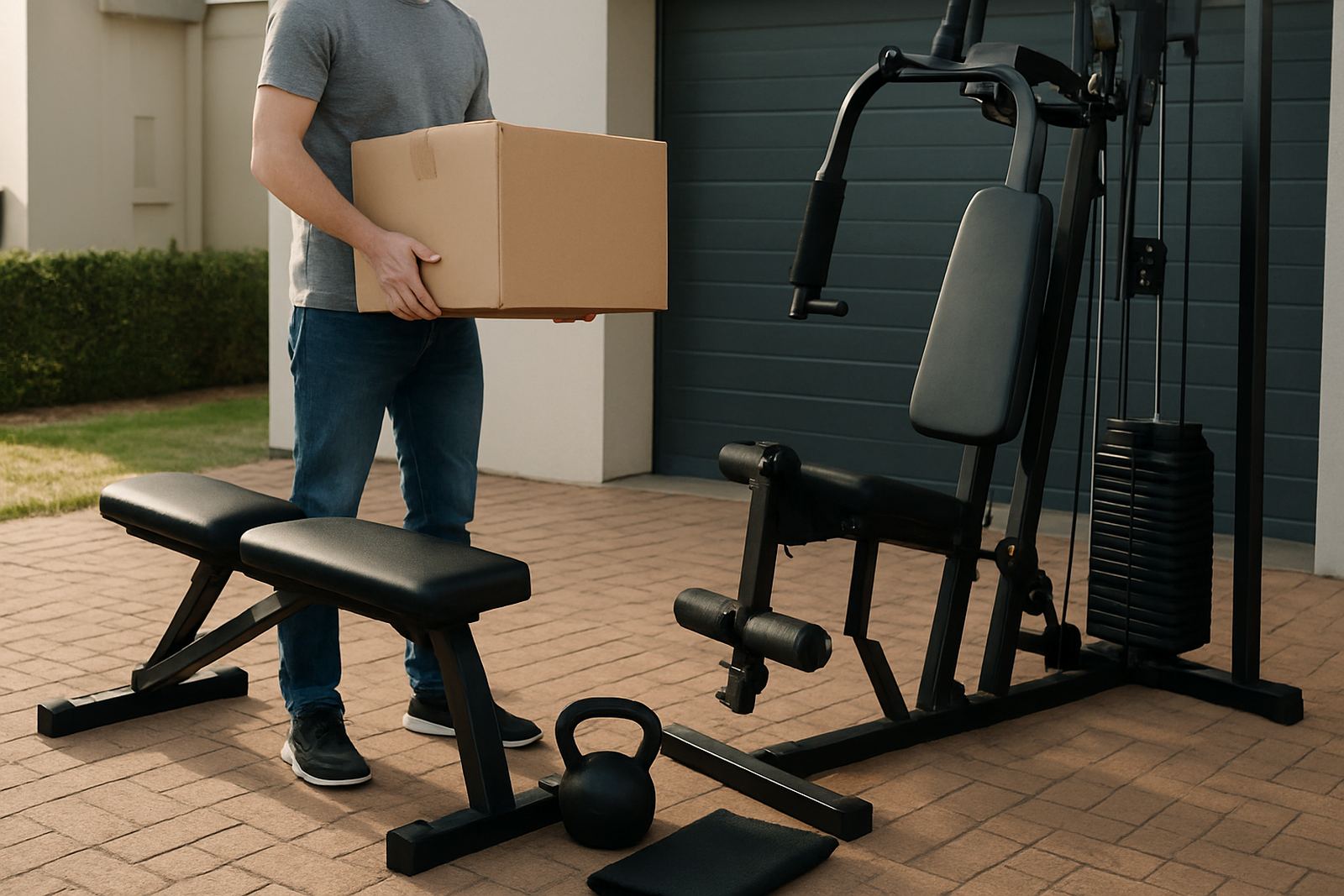
When your order arrives, open the boxes on a clean surface and sort the parts first. Keep bolts, cables, sensors and instruction sheets together so nothing gets lost. If there are several cartons, match the labels before you remove protective wrap, it helps a lot when setting up at home in Midrand, Randburg or Pretoria East.
Lay each part out by type, then check that the contents match the packing list. Do not force fittings into place. If something does not line up, stop and recheck the sequence. A second pair of hands is useful for larger frames and any item that needs lifting into position.
- Open one box at a time and keep hardware in a small tray or cup.
- Separate electrical parts from metal frames and moving sections.
- Inspect for transit marks before assembly starts.
- Keep packaging until the unit is fully working and tested.
Place the equipment with daily use in mind
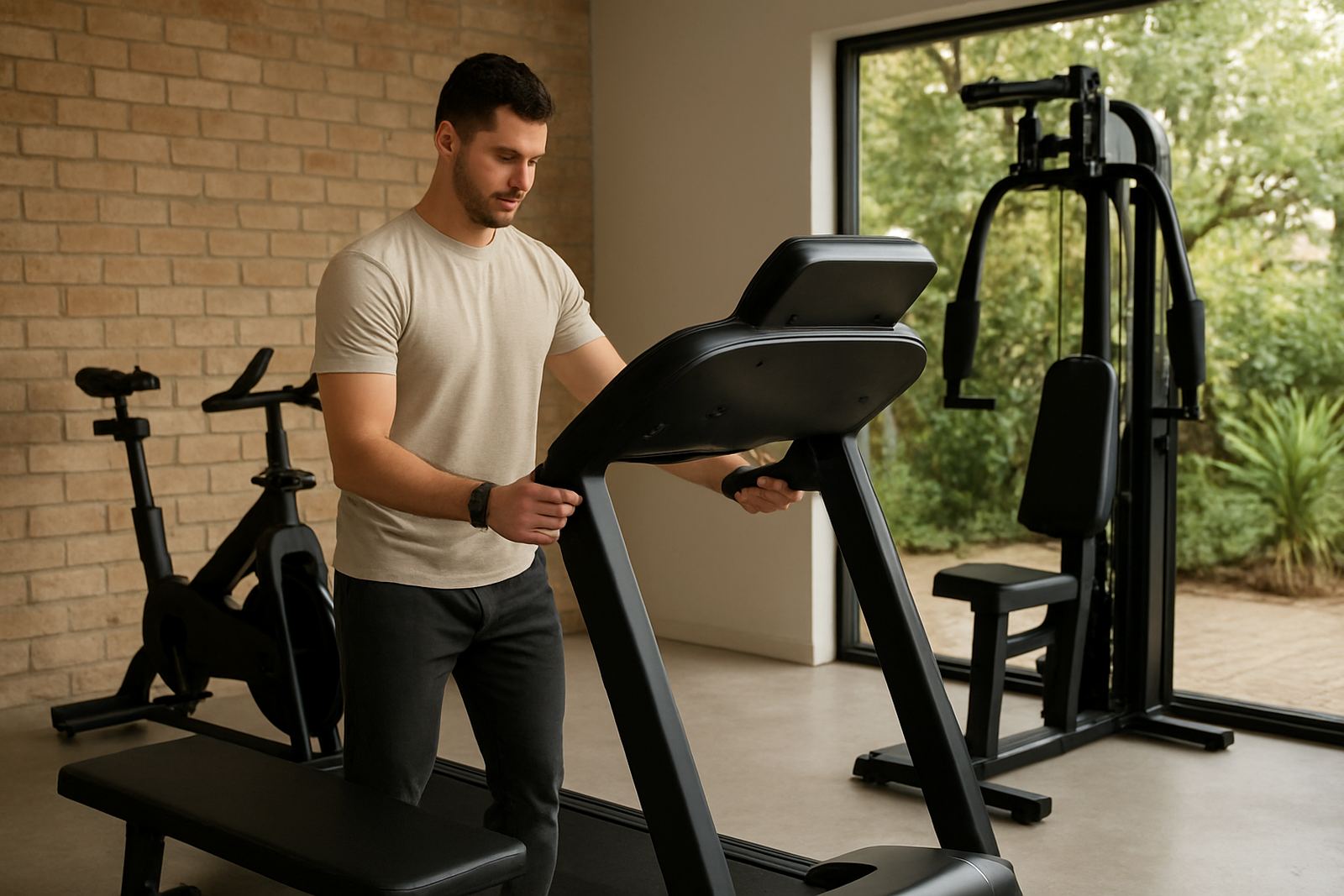
Good placement makes training easier to stick to. Think about how you will enter the room, where you will store accessories and whether the setup still feels comfortable after 30 minutes of use. For strength equipment, allow enough room to load and unload weights without bumping walls or cupboards.
For cardio gear, position the machine so the user can face a window or open area if possible. This can help with motivation and makes longer sessions feel less cramped. If the room has a ceiling fan or aircon, place the unit so airflow is not blocked. A small planning mistake now can turn into daily irritation later.
- Keep moving parts away from walls and shelves.
- Allow access to power points without stretching cables.
- Leave a clear path for walking, stretching and cleaning.
- Store mats, bands and bottles within easy reach but out of the way.
Set up trackers and display functions
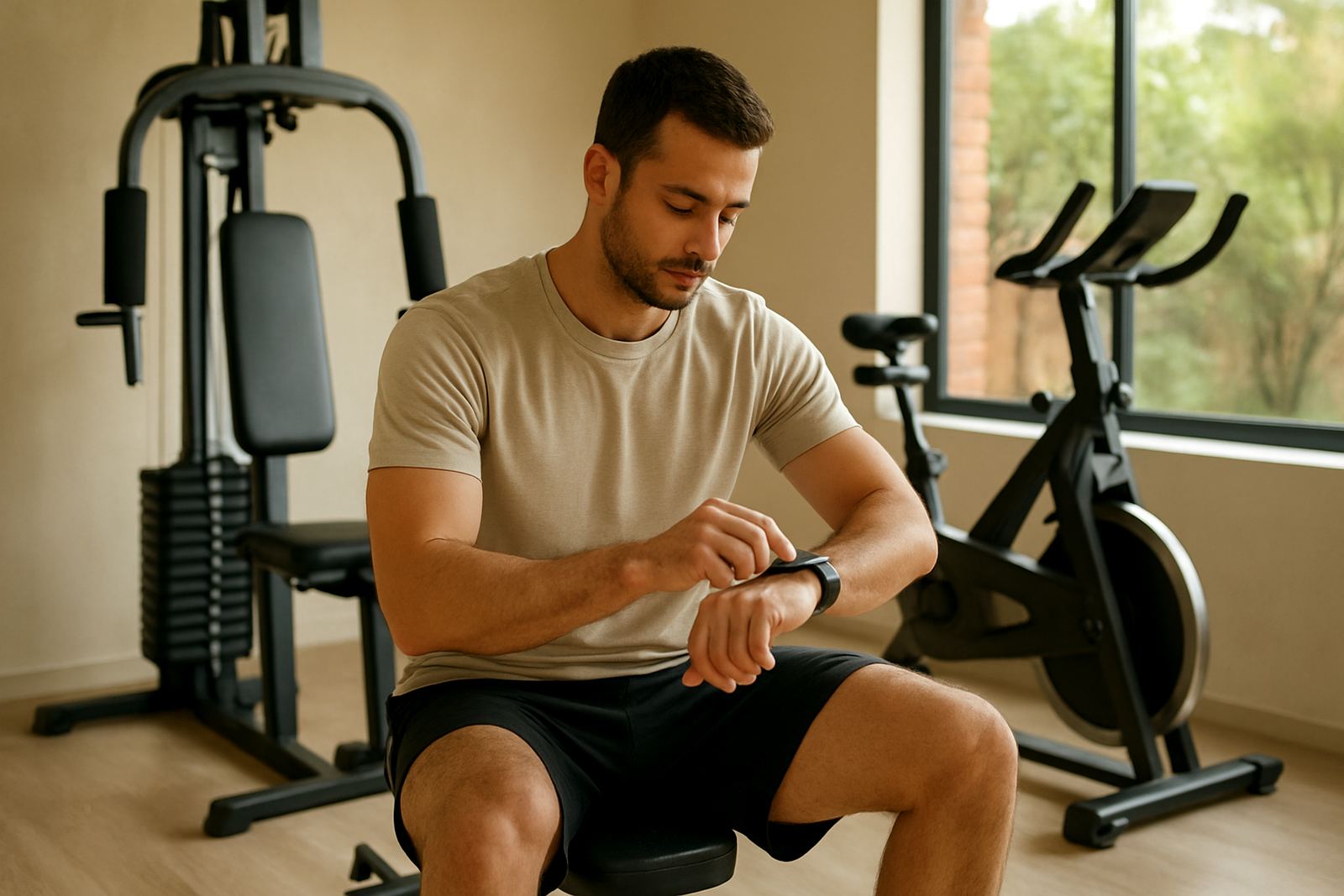
Once the equipment is in position, move on to the tracker or display setup. Charge the unit fully before first use, then connect it according to the instructions. If you are syncing a tracker to a phone, allow time for updates and permissions before your first workout. That saves confusion later when the readings do not show correctly.
Check that time, date, user profile and units are set correctly. For family use, create separate profiles where needed so progress is recorded properly. If a device pairs once and then drops off, move it closer to the phone and repeat the process in a quiet area away from other signals. Sometimes the issue is small and easily fixed, not a faulty unit.
- Charge fully before first use.
- Confirm the correct user profile, age, weight and height.
- Test heart rate, time and distance readings during a short workout.
- Keep the app or display firmware updated when prompted.
Complete a safe first test session
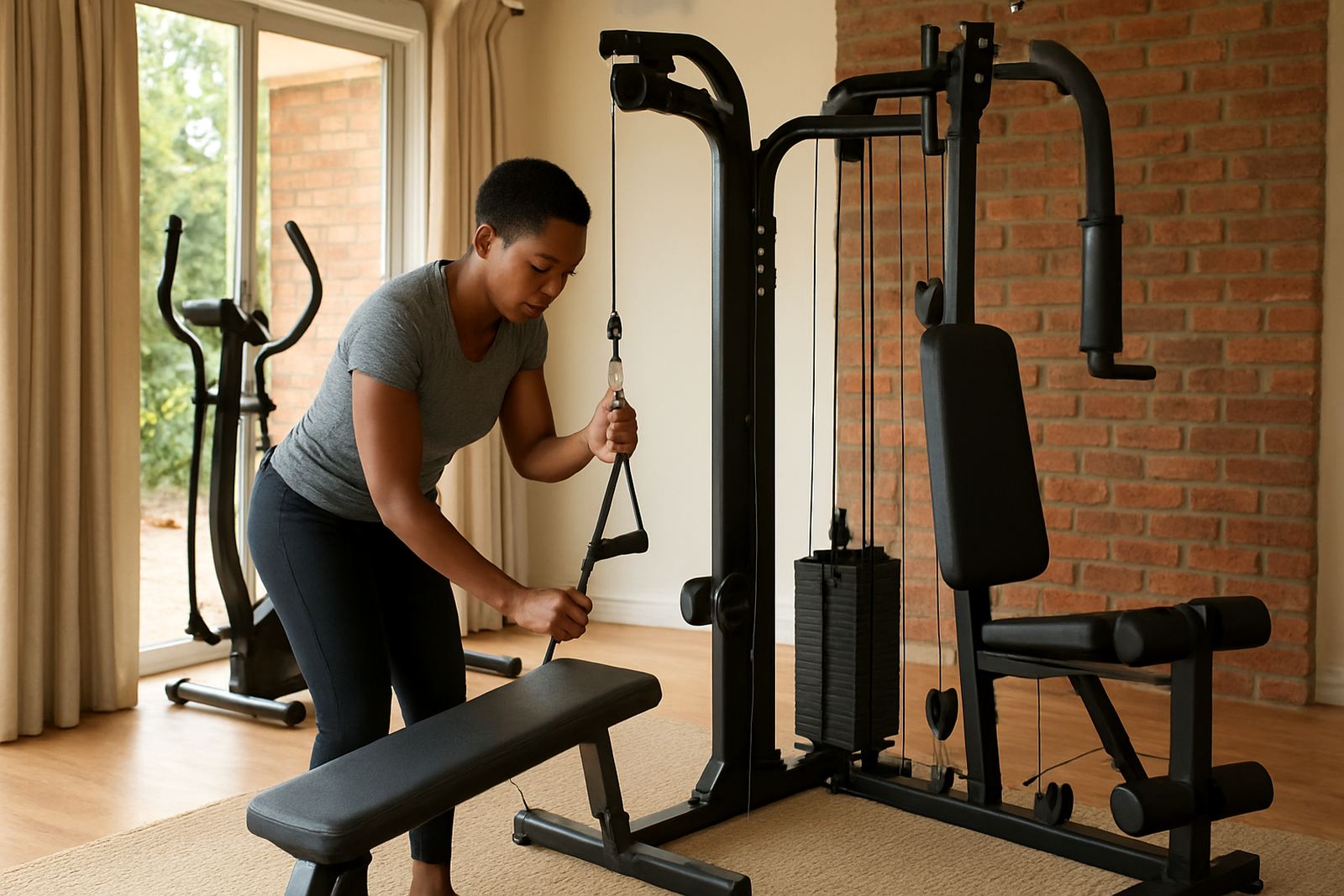
Before you start a full programme, test the unit at a low setting. Listen for rubbing, wobble or cable tension, then stop and adjust if needed. A first session should be about familiarising yourself with the controls, not chasing numbers. This is especially important for homes with children or pets nearby.
For treadmills, bikes and rowers, make sure the machine starts, stops and changes settings properly. For strength equipment, test the movement path with light load first. If a bolt loosens after the first 10 to 15 minutes, tighten it again and recheck all fixings the next day. Small checks now reduce wear over time.
- Begin at low speed, low resistance or light load.
- Watch for unusual noise, vibration or movement.
- Retighten bolts after the first session if needed.
- Keep the user manual and any spares in one safe place.
Get help when the setup needs extra hands
If you need guidance, FitSmart can assist with setup questions, tracker pairing and home gym planning for homes in Johannesburg and surrounding areas, plus nationwide delivery support. This is useful when you are working with limited space, shared family rooms or a garage that changes temperature through the day. In coastal humidity or dry inland conditions, the right placement also helps protect the equipment.
You can also ask for help if a unit arrives and you are not sure about assembly order, storage position or how to prepare the room before delivery. We deal with practical issues every day, from small apartments to larger family spaces, so the advice is based on real use. Send a message through our contact form if you need a hand with the next step.
- Questions about unpacking and assembly order.
- Tracker pairing and display setup.
- Advice on room layout and safe spacing.
- Support for family use and shared training areas.