
Start with the numbers that show consistency
The first thing to check on any wearable is not the most exciting number, it is the one that tells you whether you are turning up. Step count, workout minutes and weekly active days give you the clearest picture of consistency. If your tracker shows 7 000 steps a day on average, then one quiet day is not a failure. It just means you need to look at the full week before making a judgement.
For home training, consistency matters more than chasing a high score on a single day. A client in Fourways who walks during load-shedding, does 25 minutes of bodyweight work in the evening, and keeps Sundays for recovery will usually make better progress than someone who trains hard once and disappears for four days. The data should show a pattern, not a single event.
- Check your weekly average, not only today’s total
- Look for repeated drop-offs on certain days
- Use active minutes to track movement, not just workouts
Heart rate tells you how hard the session really was
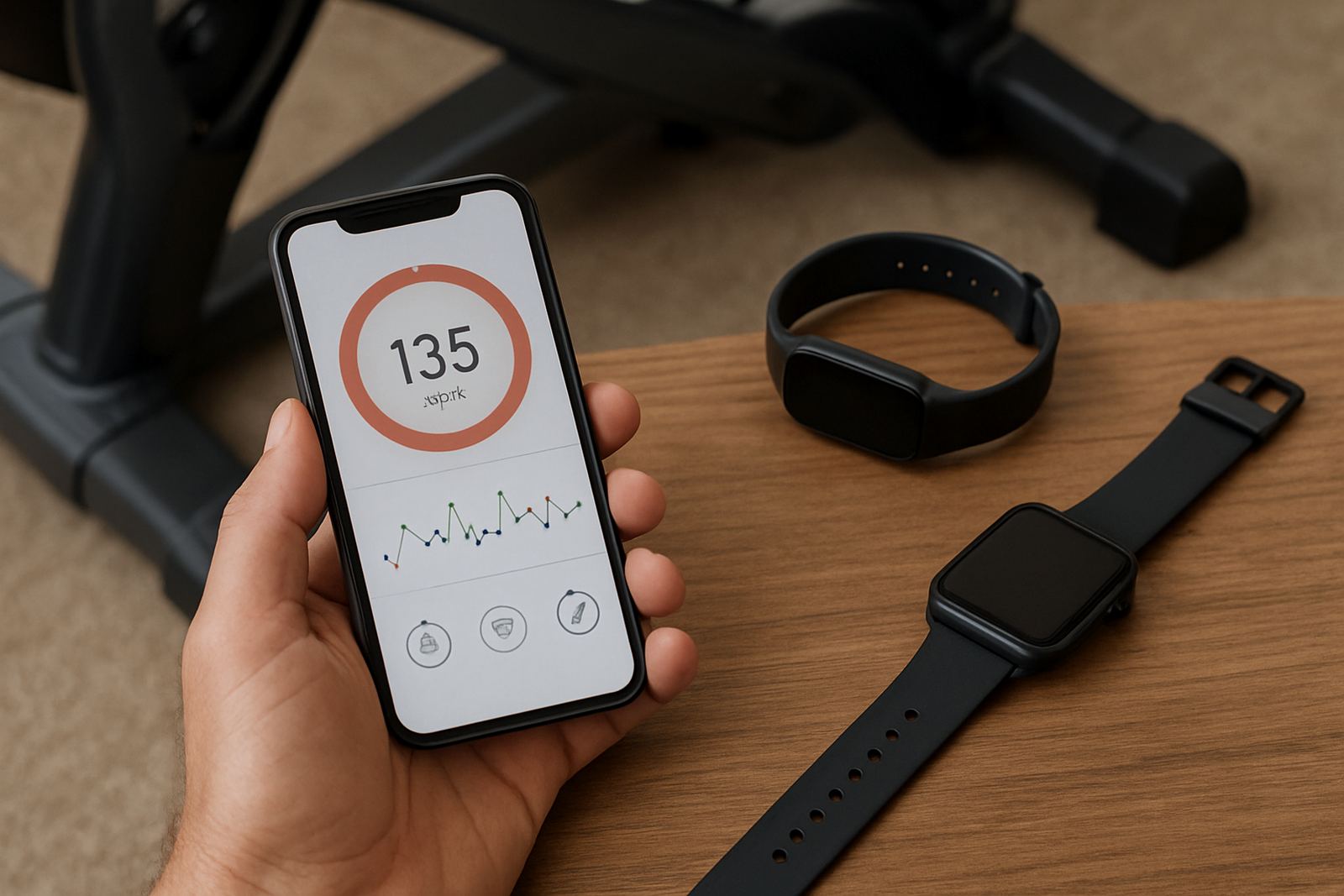
Heart rate is one of the most useful readings on a fitness tracker because it shows effort in real time. If your heart rate stays low during a workout that should be challenging, you may need to increase pace, resistance or rest less between sets. If it spikes too quickly, you may be starting too hard or not recovering properly.
Many people focus only on total calories burned, but heart rate zones give better context. A brisk walk in Randburg, for example, may sit in a light zone while a hill walk in Pretoria East pushes you into moderate effort. That difference matters when your goal is fat loss, fitness, or building endurance. The same 30 minutes can have very different training effects.
- Light zone is useful for warm-ups and recovery
- Moderate zone supports steady cardio work
- Higher zones should be used with care if you are new to training
Sleep data is only useful if you act on it
Sleep tracking can be helpful, but only if you use it to improve habits. Total sleep time, sleep consistency and time spent awake overnight matter more than a fancy sleep score. If you are sleeping six hours most nights and the tracker keeps showing poor recovery, the device is probably pointing out a real problem.
In Johannesburg homes, especially where late nights, family schedules and interruptions are part of daily life, sleep data can show why the next morning feels heavy. If you train before work in Sandton and your tracker shows poor sleep for three days in a row, consider moving intense sessions down a gear. A short walk, mobility work or a lighter session may suit you better until the numbers improve.
- Try to keep sleep and wake times fairly steady
- Watch for poor sleep after late meals or alcohol
- Use recovery trends before pushing a hard programme
Calories and body metrics need a practical eye
Calories burned, body fat readings and weight trends can be useful, but they are not exact. A wearable estimates energy use based on movement, heart rate and your profile, so the number should guide you, not rule you. If your tracker says you burned 900 calories in a session but your energy was low all afternoon, the real message may be that the workout was too demanding for your current level.
Body metrics work best when you compare them over time. One reading is just a snapshot. A monthly trend can show whether your weight loss coaching plan is moving in the right direction or whether your intake and activity need adjusting. Small changes matter more than chasing a dramatic result in a single week.
- Use the same device under similar conditions each time
- Weigh yourself at the same time of day for cleaner comparisons
- Focus on the direction of the trend, not daily noise
Turn the data into a simple training decision
Fitness data becomes useful when it changes what you do next. If your steps are low, add a 15 minute walk after supper. If your resting heart rate is higher than usual and you feel flat, use a mobility session instead of a hard circuit. If your sleep was poor, reduce intensity and keep the session short. That is the point of tracking, not collecting numbers for their own sake.
For home gym planning, this approach helps families and beginners alike. A starter programme might rely on step count, workout minutes and recovery readings first. A strength programme may pay closer attention to heart rate between sets, training load and rest days. A cardio programme will look at pace, distance and time in zones. You do not need every stat on day one, only the ones that help you make the next decision.
- Pick 3 to 5 numbers that match your goal
- Review them once a week, not after every workout
- Change one thing at a time so you can see what worked
Keep the reading honest with good setup and context
A tracker only gives useful information if it is set up properly. Age, weight, height and activity level should be correct, and the device should sit snugly on the wrist. Loose wear can throw off heart rate readings, while a poor profile can affect calorie estimates. If you share the device with a family member, the numbers will be less meaningful because the baseline changes.
Context matters too. A hot summer afternoon in Midrand, a stair session in Roodepoort, or a humid coastal trip can all change how your body responds. The same workout may look very different on the screen depending on the weather, sleep, stress and what you ate. Read the data as part of your real life, not as a stand alone scorecard. That way you can train better without overthinking every reading.